Independent guidance for making smarter, safer decisions across the Apple ecosystem.
External storage for a Mac can solve very different problems: expanding a small internal drive, editing video, moving large projects, or maintaining backups. The best product depends on sustained performance and workflow—not the largest benchmark number on the box.
Match storage to the job
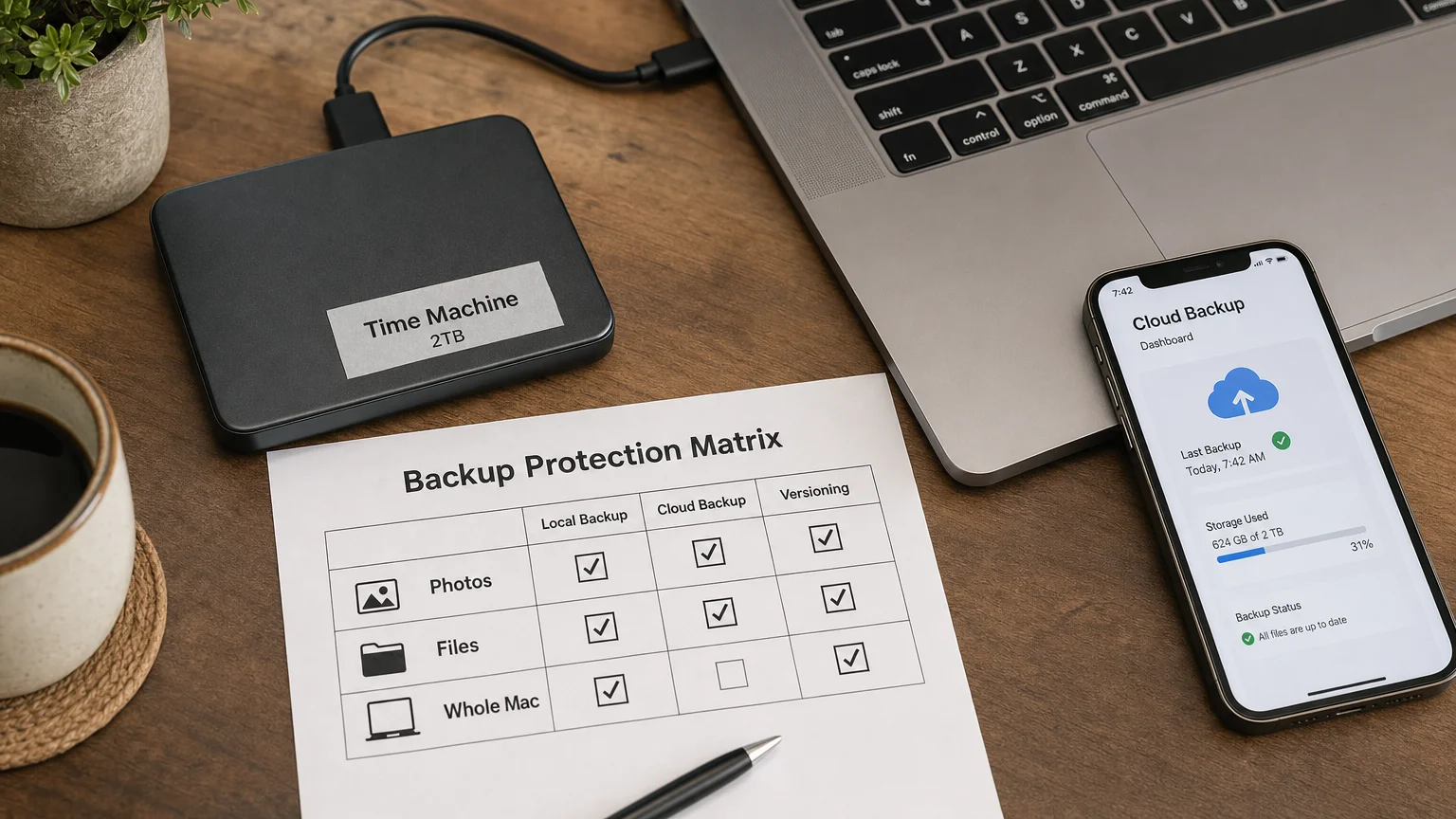
- Time Machine: prioritize capacity, reliability, and low cost per terabyte.
- Portable projects: prioritize rugged design, encryption, and USB-C compatibility.
- Creative scratch disk: prioritize sustained write speed, cooling, and Thunderbolt bandwidth.
- Desktop archive: prioritize replaceable drives, health monitoring, and a second backup.
Interface guide
USB-C describes a connector, not speed. Separate USB 10Gbps, USB 20Gbps, USB4, and Thunderbolt products. Confirm what the Mac and enclosure both support; the slower side sets the ceiling.
Practical checks
Compare real sustained transfers, thermal throttling, included cable, warranty, filesystem setup, and recovery implications. Encrypt portable drives and never treat an external SSD as the only copy.
OWC/MacSales is a natural specialist for Mac-oriented storage and enclosures. Satechi, Anker, B&H, Best Buy, Adorama, and Amazon can provide competing portable drives, hubs, and accessories when appropriately verified.
Editorial note: Add current tested models, sustained-speed results, capacity recommendations, warranty terms, and affiliate disclosures before publishing.
Frequently Asked Questions
What matters most when choosing an external SSD for Mac?
Choose the right capacity and connection speed, confirm macOS compatibility, and balance sustained performance, durability, warranty, and price.
Independent guidance for making smarter, safer decisions across the Apple ecosystem.
