Security & Services — Privacy, Protection, and the Apple Service Layer
Digital security is not a product you buy once. For Apple users, it is an ongoing set of decisions — about which services to trust, which settings to configure, and which third-party tools genuinely add protection versus which ones simply add noise. This category covers all of it: iCloud and Apple’s native service stack, password managers, VPNs, two-factor authentication, app permissions, and the practical security questions that come up when you depend on Apple hardware and software for real work. The editorial approach is calm, specific, and honest about trade-offs.
What You’ll Find in Security & Services
The sub-topics and article types in this category are drawn directly from the questions Apple users ask most often and the decisions that carry the most consequence.
- Privacy settings and data protection — step-by-step guidance for configuring Mac, iPhone, and iPad privacy controls, including app permissions, tracking settings, and Safari’s privacy features
- Password managers and passkeys — evaluations of leading password managers that work across Apple platforms, plus practical guides to Apple’s own passkeys and iCloud Keychain
- VPNs and network security — analysis of VPN services compatible with Apple devices, including when a VPN genuinely helps and when it is unnecessary overhead
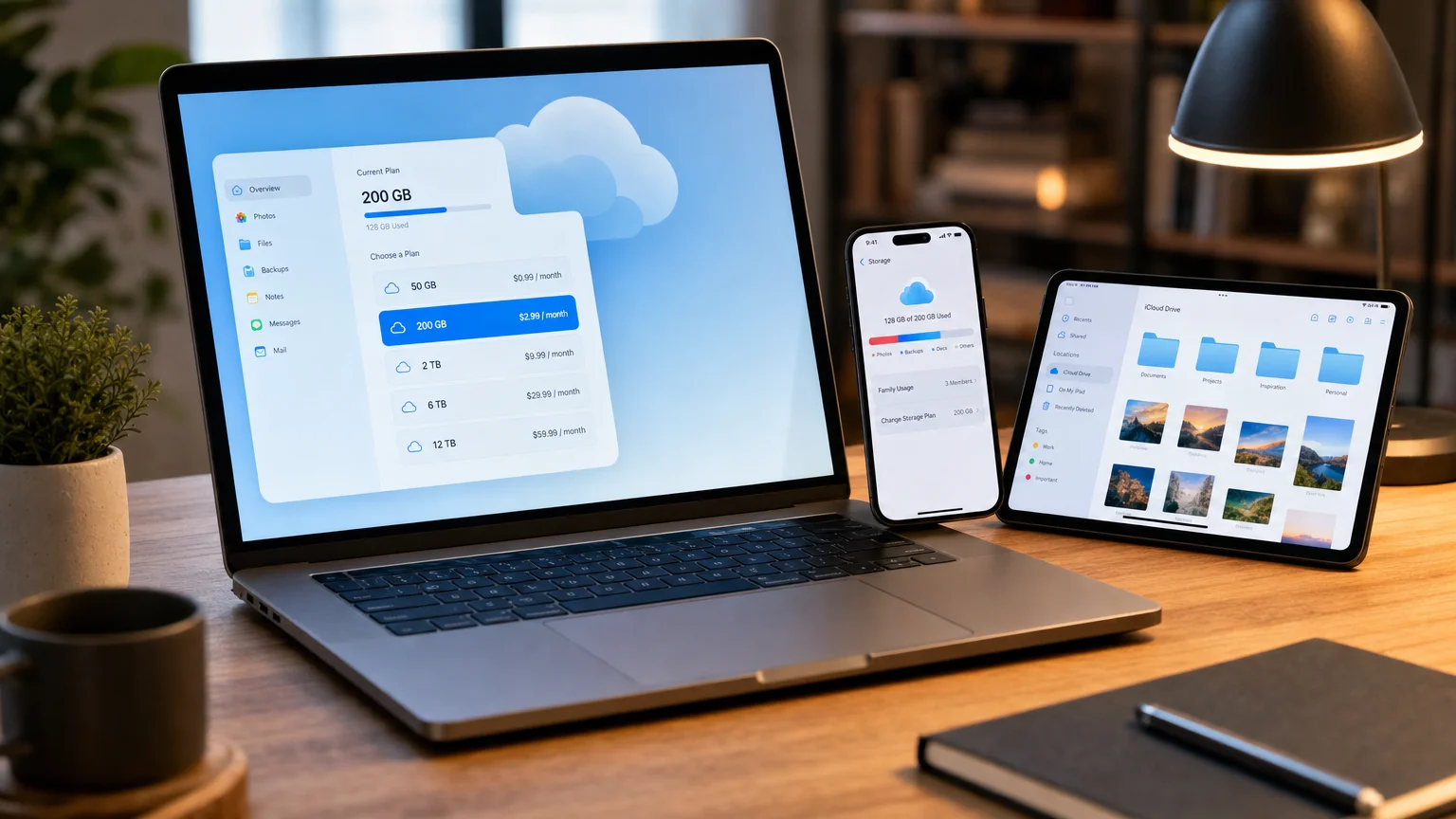
- iCloud and Apple services — coverage of iCloud storage tiers, iCloud+, Advanced Data Protection, Apple One, and how Apple’s service layer fits into a secure, efficient workflow
- Two-factor authentication and account security — how to set up and manage 2FA across Apple ID, third-party services, and hardware security keys
- App and subscription evaluations — honest assessments of third-party security and productivity services, explaining who they are for, where they fall short, and whether the cost is justified
- Small-business and IT guidance — practical advice for consultants and IT decision-makers managing Apple devices across a team, including MDM basics and shared-account risks
Our Approach to Security & Services
Security coverage at We Are MacWise is grounded in one principle: a recommendation is only useful if it is specific about who benefits and who does not. Broad claims — “use a VPN,” “enable two-factor authentication,” “never use public Wi-Fi” — are easy to repeat and often incomplete. The site aims to go further, explaining the actual threat model behind each piece of advice and the realistic cost of acting on it.
Frequently Asked Questions
What does the Security & Services category cover on We Are MacWise?
The Security & Services category covers privacy settings, iCloud and Apple services, password managers, VPNs, two-factor authentication, and app and subscription evaluations. Content is written for Apple users who want practical, evidence-based guidance rather than generic security advice.
Who is this content written for?
It is written for Apple professionals, creative teams, small-business owners, consultants, IT decision-makers, and individual users who rely on Mac, iPhone, or iPad and want to make informed decisions about privacy and digital services. The editorial approach assumes a technically curious reader — not a beginner, but not a security researcher either.
Does We Are MacWise recommend specific security apps or services?
When evidence supports a recommendation, the site explains who a product is for, where it falls short, and whether it is worth the money. Affiliate links may be present in some articles, but commissions never influence editorial conclusions. If a product does not hold up under scrutiny, it does not receive a recommendation.
How does Apple’s built-in security compare to third-party tools?
Apple’s platform includes strong baseline protections — Secure Enclave, App Tracking Transparency, iCloud Keychain, and Lockdown Mode among them. Third-party tools can extend those protections in specific areas, such as cross-platform password management or advanced VPN routing, and the site evaluates both in context rather than defaulting to one answer.
Is iCloud safe enough for sensitive files and data?
iCloud with Advanced Data Protection enables end-to-end encryption for most data categories, which meaningfully raises the security baseline beyond the default iCloud configuration. Whether it is sufficient depends on your threat model — the site covers that nuance in dedicated articles rather than offering a single blanket answer.
How often is the Security & Services content updated?
Articles are reviewed and updated as Apple releases new software, as services change their pricing or features, and as new threats emerge. The last-updated date on each article reflects when the content was last verified against current conditions, so readers can judge its freshness before acting on it.
Does the site cover security for business or team Apple deployments?
Yes. Content in this category includes guidance relevant to small-business owners, consultants, and IT decision-makers managing Apple devices across a team, including MDM considerations, shared-account risks, and service-tier decisions for organizations that rely heavily on the Apple ecosystem.
Explore Security & Services Articles
Every article tagged under Security & Services is listed on this page — browse the posts below to find guides, evaluations, and analysis relevant to your setup. New content is added as Apple updates its platforms and as the service landscape changes.
If you have a question this category has not answered yet, contact us — reader questions regularly shape future coverage. You can also explore the full range of topics across the site on our blog, or learn more about the editorial approach behind every recommendation.
Last updated: August 2026
Frequently Asked Questions
Who is this content written for?
The primary audience is Apple professionals, creative teams, small-business owners, and IT decision-makers who use Apple hardware seriously and want to make informed choices about the services layered on top of it. A secondary audience is the discerning individual user who wants to understand their privacy posture without wading through vendor marketing. The editorial voice on We Are MacWise assumes a technically curious reader — not a beginner, but not a security researcher either.
How does the site handle affiliate links in this category?
Some product and service links in Security & Services articles may be affiliate links. Commissions never change the price a reader pays, and they never determine editorial conclusions. If a service is not worth recommending, it is not recommended — regardless of whether an affiliate relationship exists. That standard is described in more detail on the about page. Apple's platform ships with a meaningful security baseline: Secure Enclave hardware, App Tracking Transparency, iCloud Keychain, Lockdown Mode for high-risk users, and end-to-end encryption for an expanding set of data categories under Advanced Data Protection. Third-party tools — password managers, VPNs, hardware security keys — can extend that baseline in specific, well-defined ways. The job of this category is to map those extensions clearly so readers can decide what is worth adding to their setup and what is redundant.
Explore Security & Services
Locked Out of Your Apple Account? Choose the Right Recovery Path
Lost access to your Apple Account? Identify whether the issue is a password, trusted device, trusted number, recovery key, or possible compr…
Learn More →Time Machine, iCloud Drive, and Cloud Backup: What Can Each Restore?
Which backup recovers a deleted file, lost Mac, or older version? Compare Time Machine, iCloud Drive, and cloud backup by restore scenario.
Learn More →
The MacWise Security Stack: Passwords, Backups, MFA, and Device Protection
Build a practical Apple security stack covering passwords, passkeys, MFA, recovery, backups, updates, encryption, and device protection.
Learn More →
A Practical 3-2-1 Backup System for Mac and Small Business
Build a practical 3-2-1 Mac backup system using Time Machine, independent local storage, off-site copies, and tested restores.
Learn More →
iCloud Sync Is Not a Backup: What Protects Photos, Files, and Your Mac?
iCloud syncs your data — it doesn't back it up. Learn how deletion propagation, Time Machine, and cloud backup services actually protect you…
Learn More →
The Annual Apple Account and Device Security Review
A complete cross-device annual security checklist for Apple users — covering Apple Account, 2FA, Find My, backups, encryption, app permissio…
Learn More →How to Build a Mac Backup System You Can Actually Restore
Build a Mac backup system you can trust: configure encrypted Time Machine, add an off-site copy, and verify recovery with a real restore tes…
Learn More →
Apple Family Sharing Without the Surprises: Privacy, Purchases, Storage, and Children
A complete household guide to Apple Family Sharing — what members can see, purchase sharing, iCloud+ storage, Screen Time, child accounts, a…
Learn More →
Your Apple Account Recovery Plan: Trusted Devices, Recovery Contacts, Keys, and Codes
A practical guide to trusted devices, recovery contacts, recovery keys, security keys, and an annual drill to protect your Apple Account in…
Learn More →
How Apple's App Tracking Transparency Actually Works
A clear, technical breakdown of how Apple's App Tracking Transparency works, what it blocks, what it doesn't, and what it means for your pri…
Learn More →
iCloud+ vs. Google One vs. Dropbox: Which Fits Your Devices?
Compare iCloud+, Google One, and Dropbox by price, device backup, photos, file sharing, family use, privacy, and recovery—not storage alone.
Learn More →
How to Read iPhone App Privacy Report
Learn what iPhone App Privacy Report reveals about sensor access and network activity—and what unfamiliar domains do not prove.
Learn More →
What Is Apple One? Plans, Services, and Family Sharing
Understand Apple One Individual, Family and Premier plans, included services, Family Sharing, iCloud storage and important billing details.
Learn More →
Best Password Managers for Apple Users in 2026
The best password managers for Apple users reviewed: iCloud Keychain, 1Password, Bitwarden, Dashlane, and more — with honest pros, cons, and…
Learn More →
What to Do If Your iPhone Is Lost, Stolen, or Compromised
Secure a lost, stolen or compromised iPhone: use Lost Mode, protect your Apple Account, avoid recovery scams, contact your carrier and plan…
Learn More →
Apple One vs. Separate Subscriptions: Break-Even Guide
Calculate whether Apple One saves money using current prices, real service usage, Family Sharing, storage needs, promotions and break-even s…
Learn More →
How to Use iPhone Safety Check for Unwanted Sharing
Use iPhone Safety Check to review people, apps, devices and account access, understand Emergency Reset, and identify sharing it cannot contr…
Learn More →
Apple One Family vs. Premier: Which Plan Fits Your Household?
Compare Apple One Family and Premier by price, iCloud storage, News+, Fitness+, household usage and the real value of the $12 monthly upgrad…
Learn More →
The 15-Minute iPhone Privacy Permissions Audit
Audit iPhone location, photos, microphone, camera, tracking and sharing permissions in 15 minutes using a practical, repeatable checklist.
Learn More →iCloud+ and Apple One: Plans, Value, and Alternatives
Compare iCloud+ storage, Apple One bundles, privacy features and cloud alternatives with a practical framework for choosing the right plan.
Learn More →
How to Set Up a Privacy-First iPhone in 2026
Secure your iPhone with a practical 2026 checklist for account protection, app permissions, tracking, iCloud, Safari and personal safety.
Learn More →Your Annual Mac Security Checkup: a 12-point Checklist
Run through this professional 12-point Mac security checklist every year to close vulnerabilities, tighten privacy, and keep your data safe…
Learn More →
Which iCloud+ Storage Plan Do You Actually Need?
Choose the right iCloud+ tier using current prices, real storage usage, family needs, growth headroom, HomeKit cameras, and Apple One option…
Learn More →
iPhone Location Privacy: Apps, Find My, and Photos
Control iPhone location privacy across apps, Precise Location, Find My sharing, system services and photo metadata without breaking useful f…
Learn More →